Wi-Fi, Firewalls and the Closet
Network Support in Tulsa, OK
If the internet is fine at 8 and awful at 2, there is a reason. Find it.
Network Support and Management for Tulsa Offices
Network support in Tulsa keeps an office's internet, Wi-Fi, firewall and switches working and watched. Problems get fixed remotely when possible and on site when a cable or a box needs hands. Email contact@manageditservicestulsa.com to describe what keeps dropping.
You know the symptoms even if you do not know the cause. Video calls freeze in the back conference room. The card reader at the front counter times out on busy days.
Someone unplugs the router, counts to ten and plugs it in again. It helps. For a while.
That closet with the blinking lights is the network, and in most small offices nobody has opened it on purpose in years. Network management means someone finally does, then keeps an eye on it so the counting-to-ten stops.
Areas We Cover in Oklahoma

Network Management Services for a Small Office
Network management services sound bigger than they are. For an office under fifty people they come down to six pieces of work.
Wi-Fi Coverage Check
Signal is measured room by room, and access points are moved or added where it drops. Newer Wi-Fi 6 gear handles a crowded office far better than a ten-year-old router.
Firewall Setup and Updates
The firewall is configured, patched and checked on a schedule, since an unpatched one is an open door.
Guest and Staff Networks Split
Visitors get internet on their own network. They never see your file shares or your printers.
Switch and Cable Cleanup
Mystery cables are traced, labeled or pulled, and failing switches are replaced before they take a row of desks down.
Backup Internet Line
A second connection, often cellular, takes over when the main line fails so phones and card payments keep working.
Monitoring and Alerts
Equipment reports its own health, and a person gets the alert when something starts to fail.
Network Support Cost in Tulsa
| Work | Price | Depends On |
|---|---|---|
| Network checkup and report | Custom quote | Size of the office and number of devices |
| New Wi-Fi or firewall install | Custom quote | Equipment chosen and cabling needed |
| Monthly network monitoring | Custom quote | Number of sites and devices watched |
A checkup comes first for a reason. Buying new equipment before anyone has measured the problem is the most common way offices waste money on networks.
Why Choose Us for Network Support?
Measured Before Sold
Signal and speed are tested before any hardware is suggested. Sometimes the fix is moving one access point.
A Labeled Closet
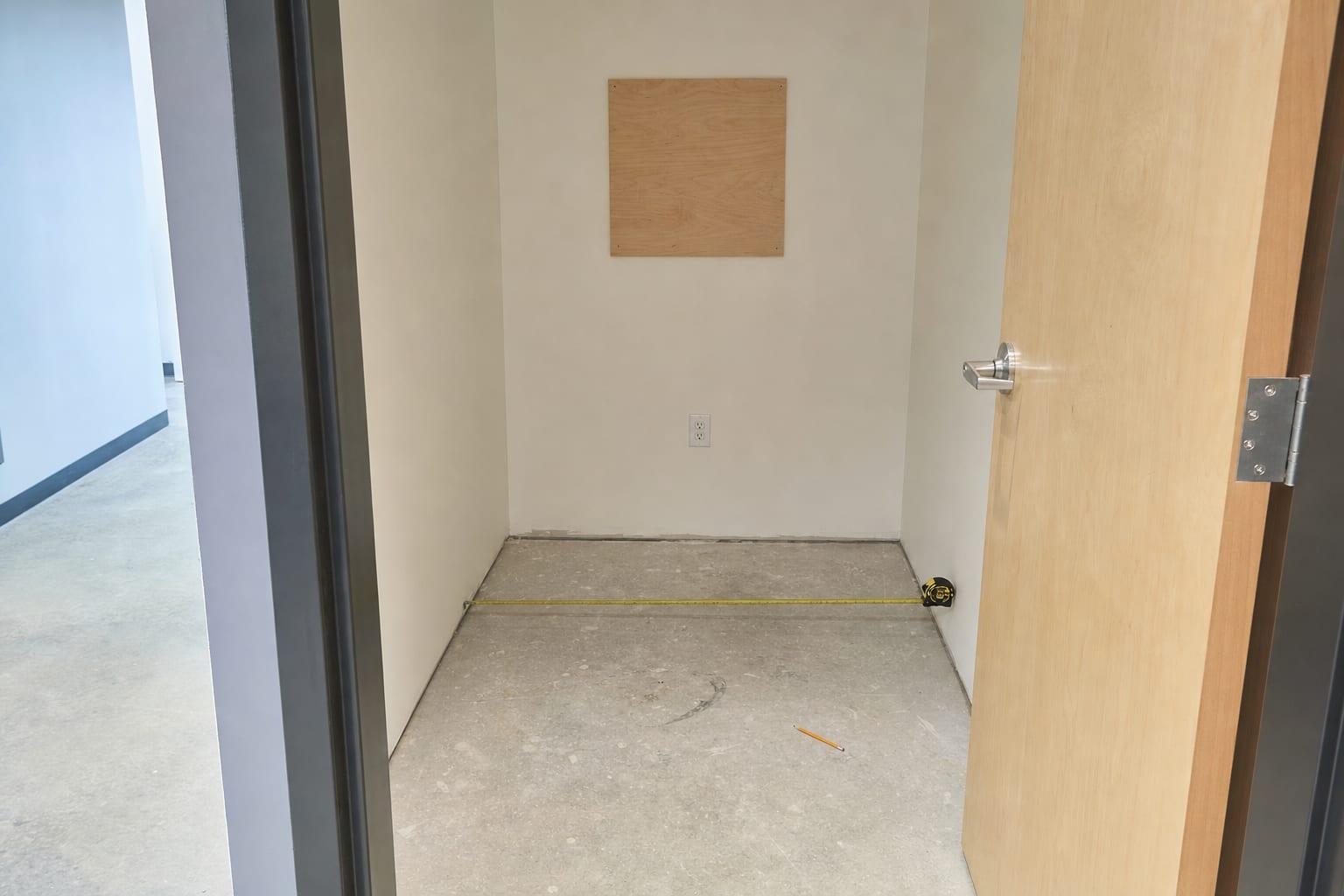
Every cable and port is tagged, and you get a simple map. The next person can understand it in five minutes.
Explained Without Acronyms
You hear what was wrong in everyday words. VLAN and DHCP stay in the technician's notes.
Ready for Storm Season
Battery backup and a second internet line are discussed up front, because spring weather here does not ask first.
Talk to a Tulsa IT Team
Which room has the worst Wi-Fi in your office? Start the conversation there.
Call (539) 444-4313Get a Free Quote
No obligation.

How Network Support Works
Describe the Symptoms
Tell us where and when the trouble shows up, in your own words.
Site Survey
Wi-Fi signal, internet speed and the equipment closet are checked and photographed.
Findings and Options
You get the cause, a cheap fix if one exists and a longer-term option.
Install After Hours
Changes are made when the office is empty, then tested at each desk.
Ongoing Watch
Monitoring stays on, and you hear about a failing part before the staff do.
Network Support Questions
What does network support include?
Network support includes setting up and maintaining the router, firewall, switches and Wi-Fi, fixing slow or dropped connections, and watching the equipment for failures. Many plans also cover the internet provider calls, so you are not the one waiting on hold.
Why is my office Wi-Fi so slow?
Office Wi-Fi is usually slow because of too few access points, an old router, interference from neighboring networks or too many devices on one channel. A site survey finds which of these applies. The answer is often cheaper than a faster internet plan.
What is the difference between network support and IT support?
Network support looks after the equipment that connects everything, meaning the internet line, firewall, switches and Wi-Fi. IT support looks after the people and their computers, accounts and software. Most small offices buy both from one provider.